Last updated: 13 November 2026
How do you check if ChatGPT mentions your business?
Short answer: To check if ChatGPT mentions your business, ask it the questions your customers ask, in a new chat with search on, and write down what you see: is your name in the answer, are you recommended, is your page linked, and who appears instead? Repeat the same questions on fixed dates and in other AI tools, because one answer proves little.
Key takeaways
- Test with the questions buyers ask, not only with your business name.
- Use a clean setup: a new chat, the same wording and the same country every time.
- Record mentioned, recommended and cited separately, plus the competitors that appear.
- One answer is a snapshot. Trends over several questions and dates are what count.
- If you do not appear, check first that OpenAI’s search crawler can read your site.
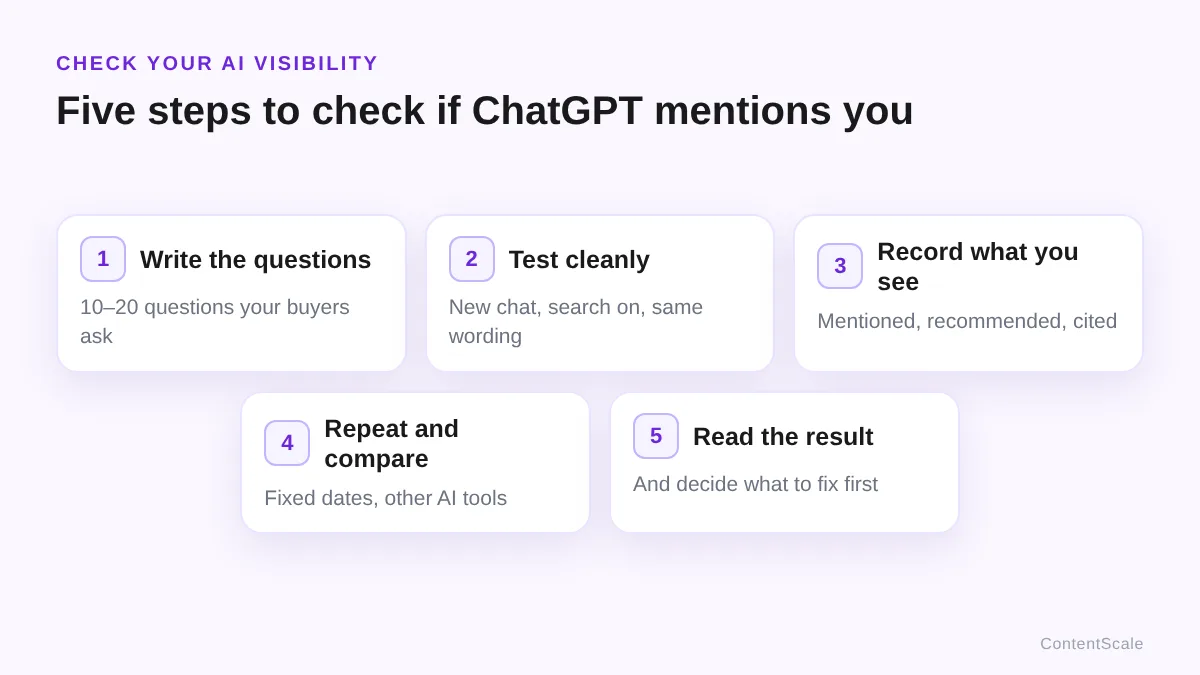
Five steps to check if ChatGPT mentions your business
Checking takes about half an hour the first time and less after that. The method is the same for ChatGPT, Perplexity, Gemini, Claude and Copilot.
Step 1: write down the questions
Make a fixed list of 10 to 20 questions. Mix three kinds, because they show different things:
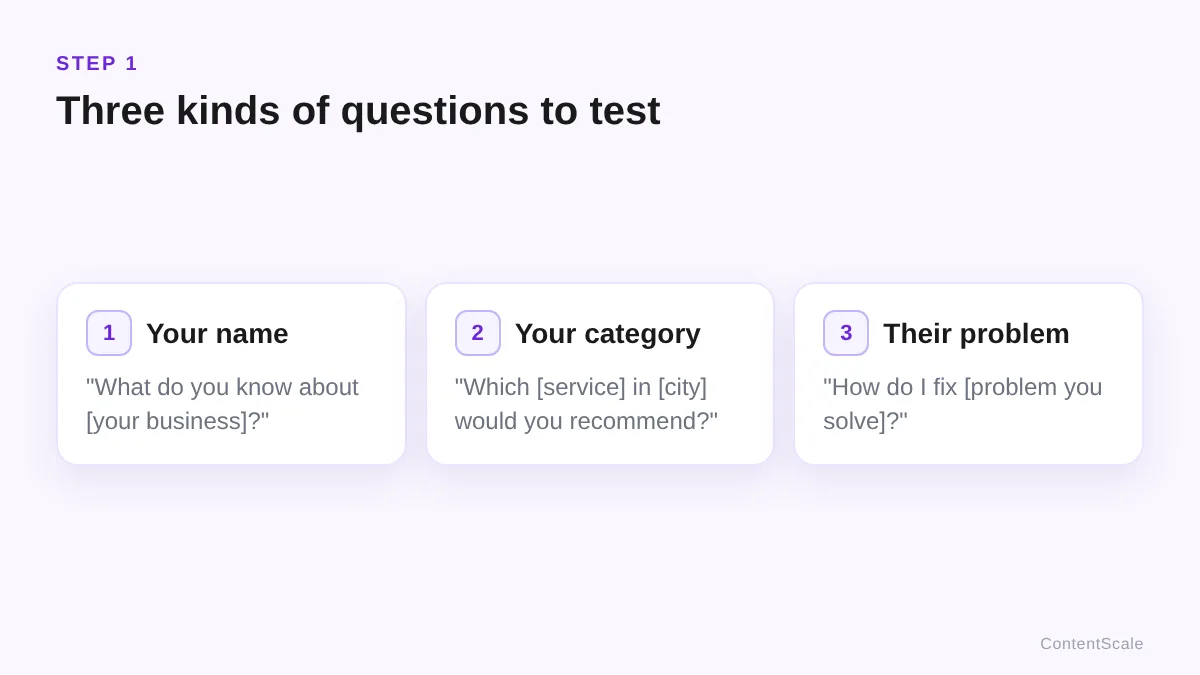
- Name questions: “What do you know about [your business name]?” This shows whether ChatGPT knows you and whether what it says is correct.
- Category questions: “Which [service] in [city] would you recommend?” This shows whether you are named when someone does not know you yet. These are the questions that bring new customers.
- Problem questions: “How do I fix [problem your service solves]?” This shows whether your pages are used as a source when the buyer is still looking for a solution.
Use the words your customers use. Your sales emails, enquiries and the queries in Google Search Console are good places to find them.
Step 2: test in a clean setup
Your own chat history and settings can colour the answer. Make every test as comparable as possible:
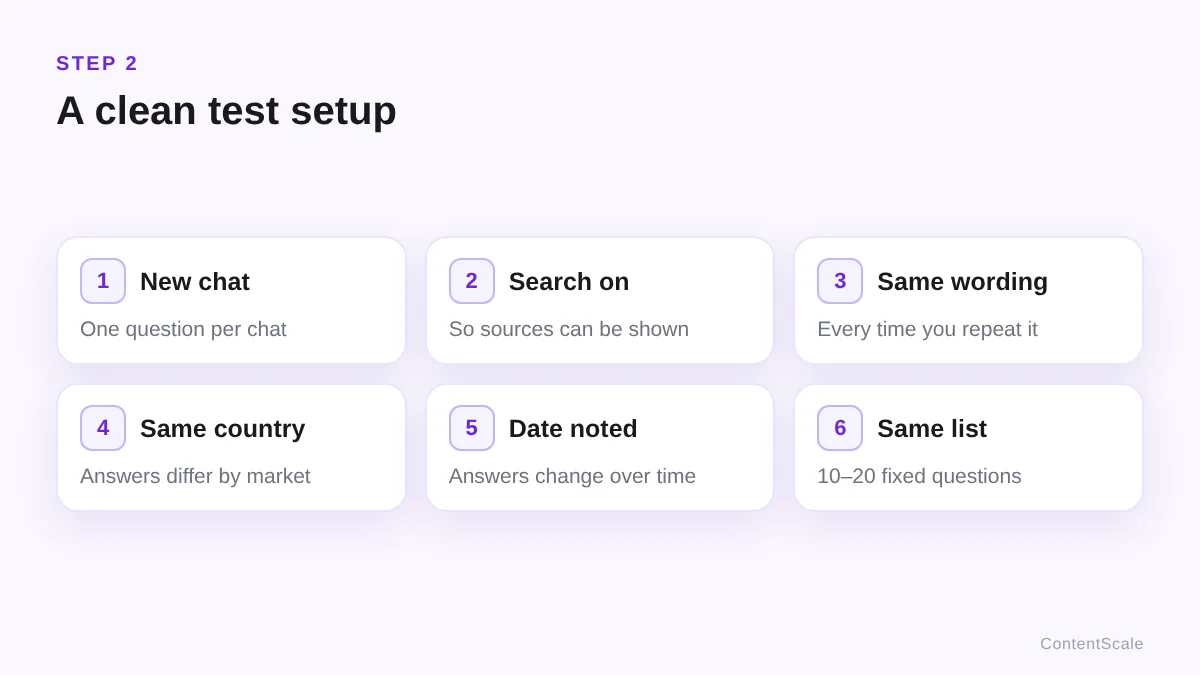
- Start a new chat for each question, ideally without your own memory or custom instructions influencing the answer.
- Use ChatGPT’s search where available, so the answer can draw on current web pages and show sources.
- Keep the wording and the country the same every time you repeat a question.
- Write down the date: answers change over time.
Step 3: record what you see
For every question, note four things. A spreadsheet is enough:
| What to record | Why |
|---|---|
| Mentioned: is your name in the answer? | Shows whether ChatGPT knows you for this topic |
| Recommended: are you put forward as a choice? | The outcome that brings customers |
| Cited: is a page of your site linked as a source? | Shows which page ChatGPT relies on |
| Who appears instead, and which sources are linked | Shows what the answer is built on, and who you compete with |
Keep mentioned, recommended and cited apart. A mention in a list of ten is not a recommendation, and a link to your page is not proof that you are recommended.
Step 4: repeat and compare
Run the same list again on fixed dates, for example every two or four weeks, and in the other AI tools your customers use. Compare per question: did you appear more often, in a better position, or with a link?
This is the part that takes the most time by hand. I automate it with the free AI Citations Tracker, which records per question and per AI engine who is mentioned and linked, next to your Google data.
Step 5: read the result
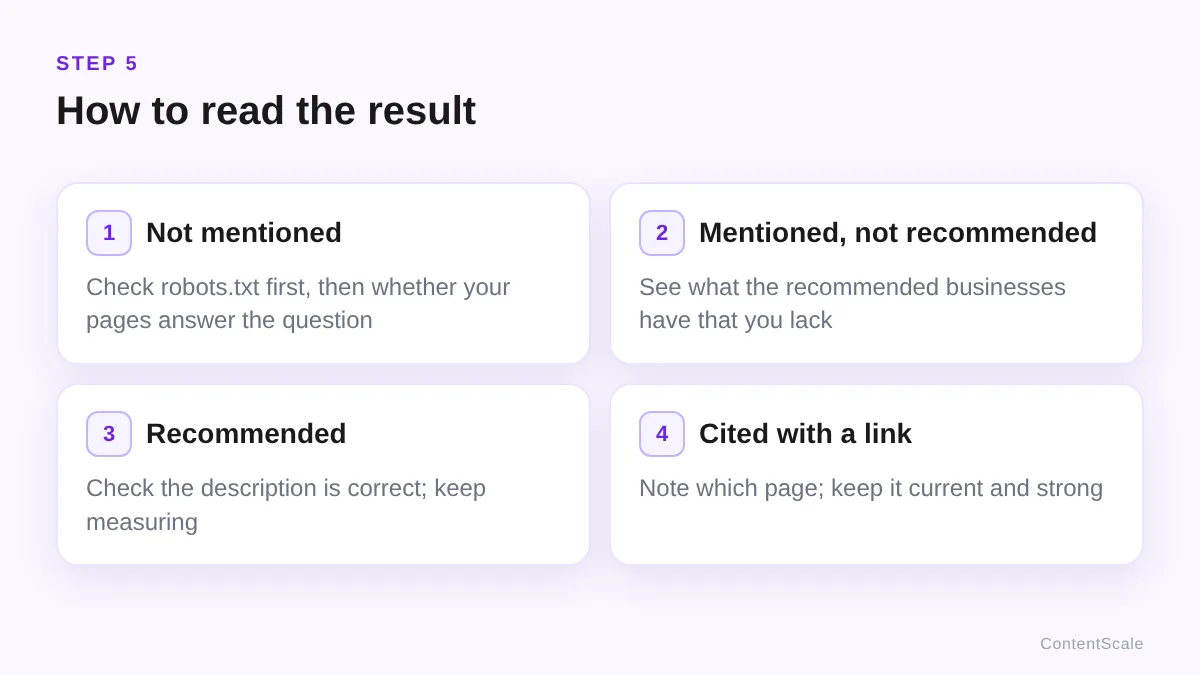
- Not mentioned at all: start with whether ChatGPT can read your site (see below), then whether your pages answer the question.
- Mentioned, but not recommended: ChatGPT knows you, but sees more reason to put others forward. Look at what the recommended businesses have that you lack: clearer service pages, reviews, mentions elsewhere.
- Recommended: check that the description is correct, and keep measuring; it can change.
- Cited with a link: note which page is linked. That page is worth keeping current and making stronger.
If ChatGPT says something wrong about your business, correct it at the source: your own site and the profiles and directories where your details appear.
If ChatGPT does not mention your business
First check the one thing OpenAI documents clearly. OpenAI’s crawler documentation says OAI-SearchBot is used to surface websites in ChatGPT’s search results, and:
“Sites that are opted out of OAI-SearchBot will not be shown in ChatGPT search answers, though can still appear as navigational links.”
OpenAI, Overview of OpenAI Crawlers
Open yourdomain.com/robots.txt and make sure no rule blocks OAI-SearchBot or all bots. According to OpenAI, a change takes about 24 hours to be picked up. On this site all bots are allowed; my robots.txt only blocks the WordPress admin area.
After that, the work is about being worth recommending: clear service pages, answers to buyer questions, consistent details everywhere and what others say about you. I explain those steps in how to get ChatGPT to recommend your business. More background on how AI answers choose sources is in what is GEO.
Frequently asked questions
Why does ChatGPT give a different answer each time?
Is asking ChatGPT about my business name enough?
How often should I check?
Can I check other AI tools the same way?
What if ChatGPT says something wrong about my business?
Keep reading
How to get ChatGPT to recommend your businessFree AI Citations Tracker
AI visibility in Google Search
What is GEO?
Sources: OpenAI, Overview of OpenAI Crawlers (accessed 13 November 2026)

Ottmar J.G. Francisca
AI-Era SEO Specialist · GRAAF Framework Creator · Amsterdam
Ottmar J.G. Francisca built the ContentScale AI Citations Tracker and created the GRAAF Framework, a 100-point content quality system.
✓ Documented case study: CTR from 0.1% to 6.5% · ✓ Verified Google reviews · ✓ Creator of the GRAAF Framework · ✓ 24+ years in systems & operations management